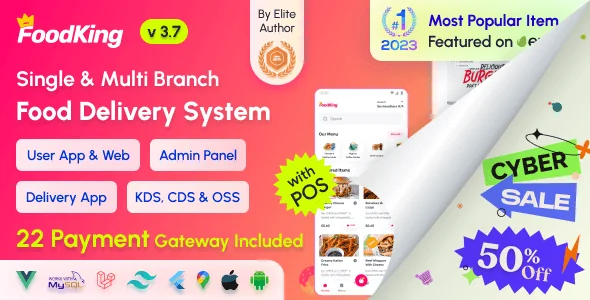
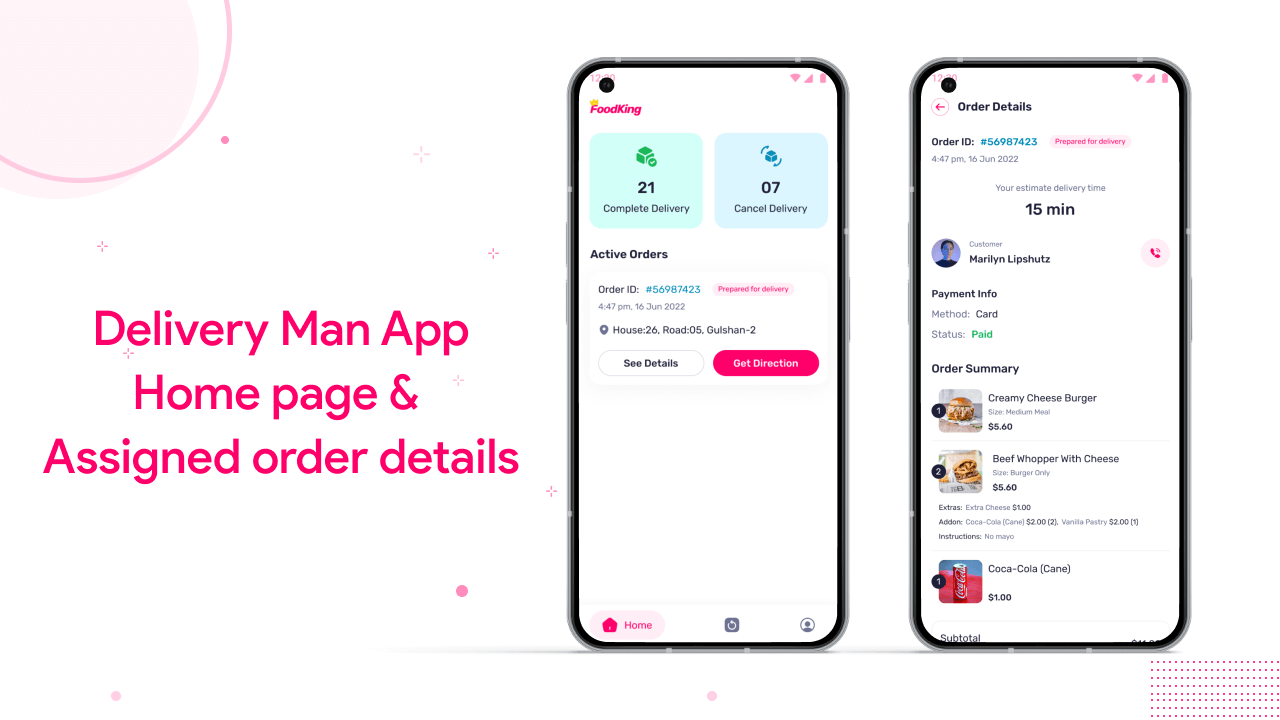
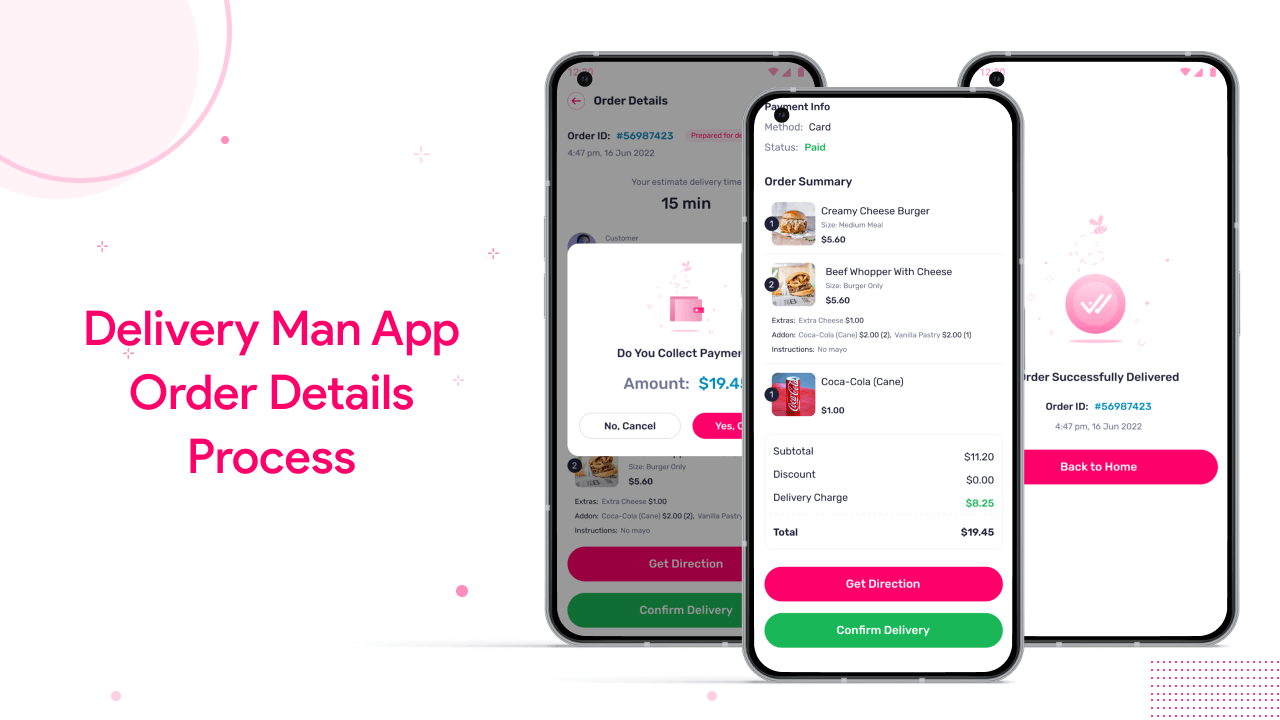
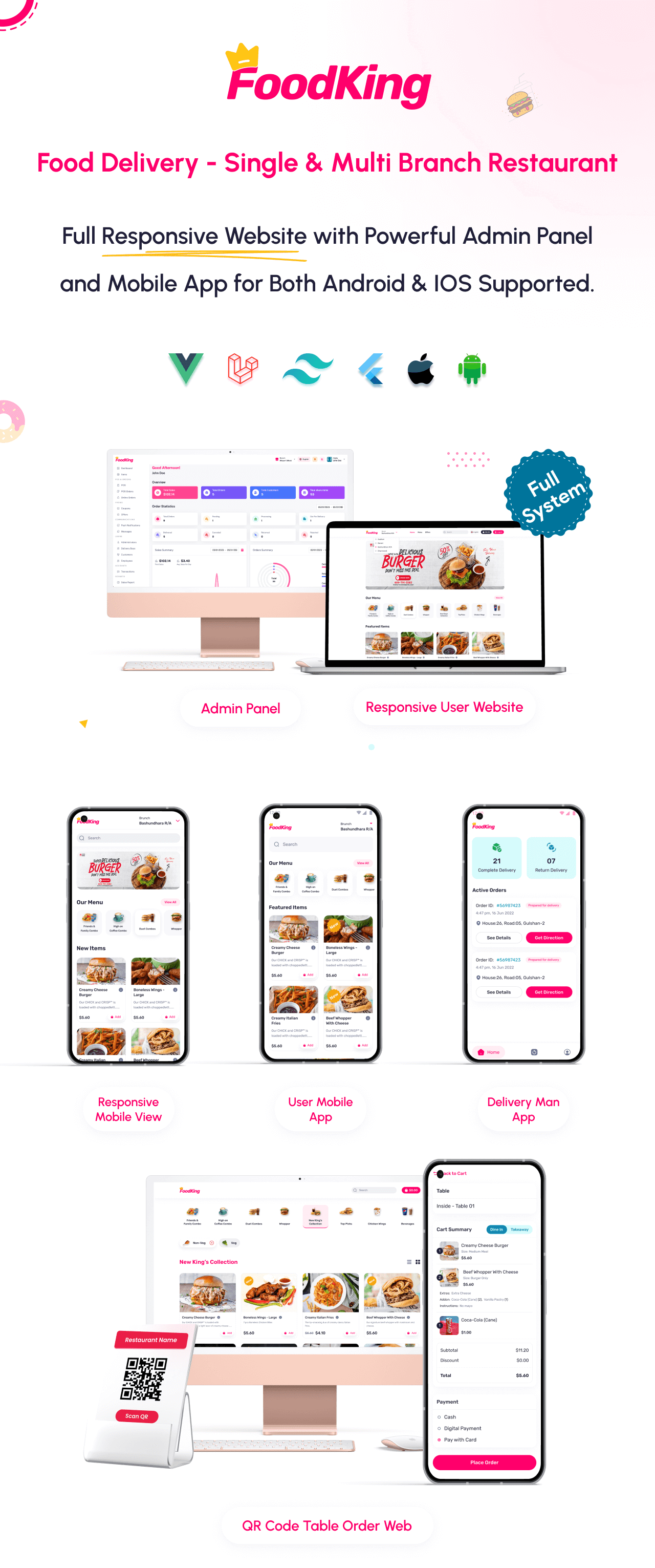
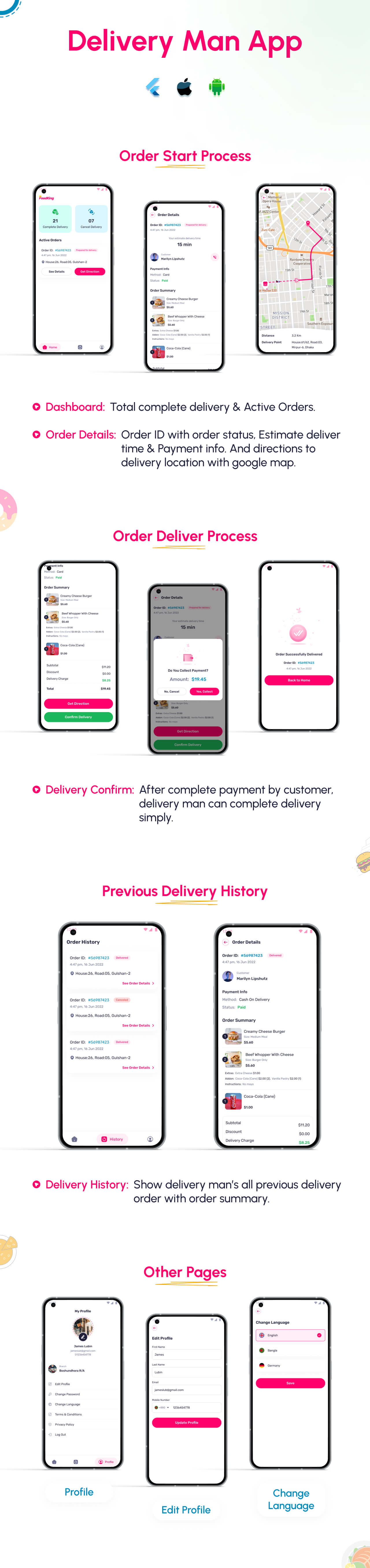
FoodKing is a complete Restaurant Food Delivery System packed with everything a modern restaurant needs — a robust Admin Panel, a fully-featured Restaurant POS, and a dedicated Delivery Man App. Designed for restaurants, cloud kitchens, cafés, and multi-branch chains, FoodKing helps streamline online ordering, delivery operations, and in-house sales through one powerful digital ecosystem.
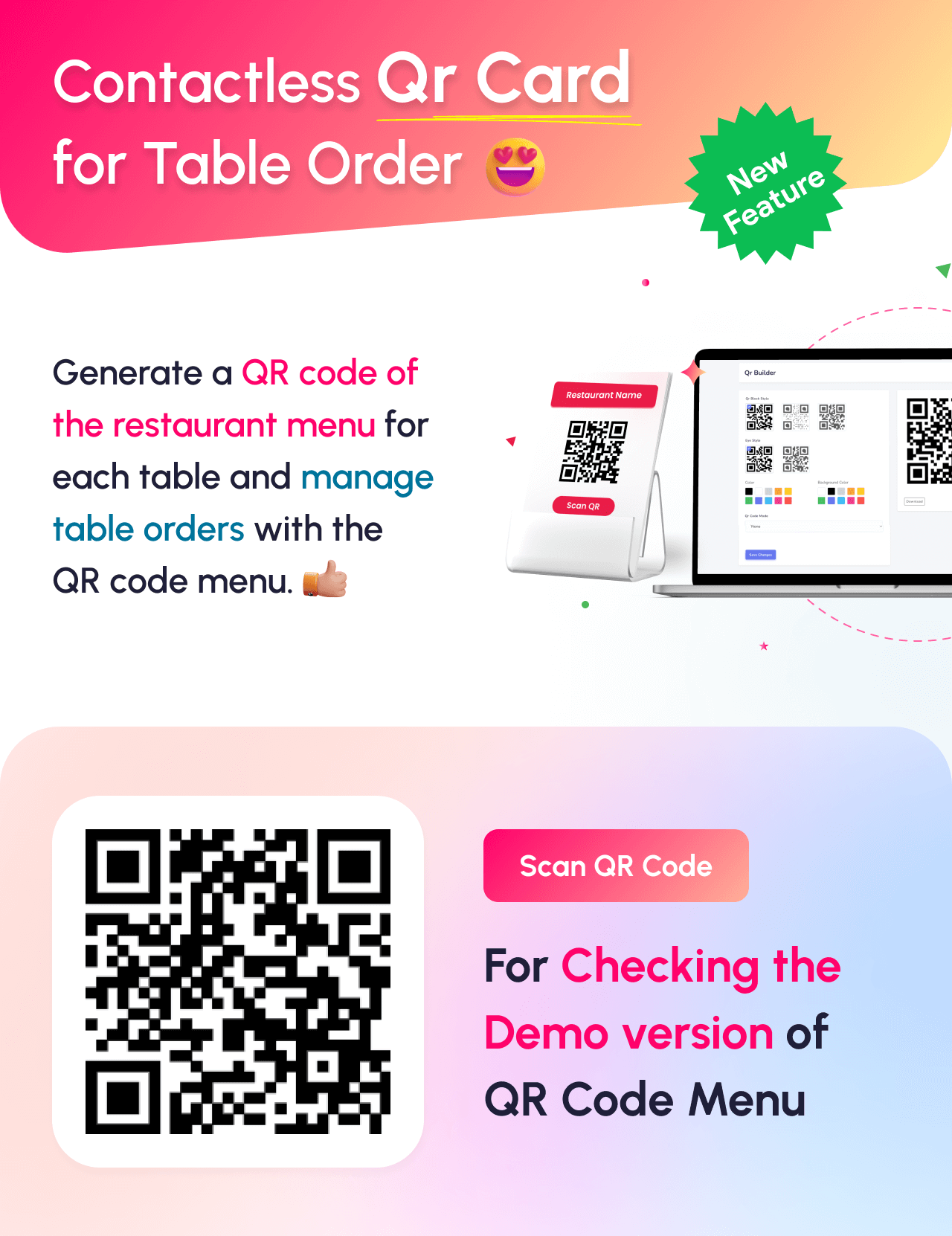
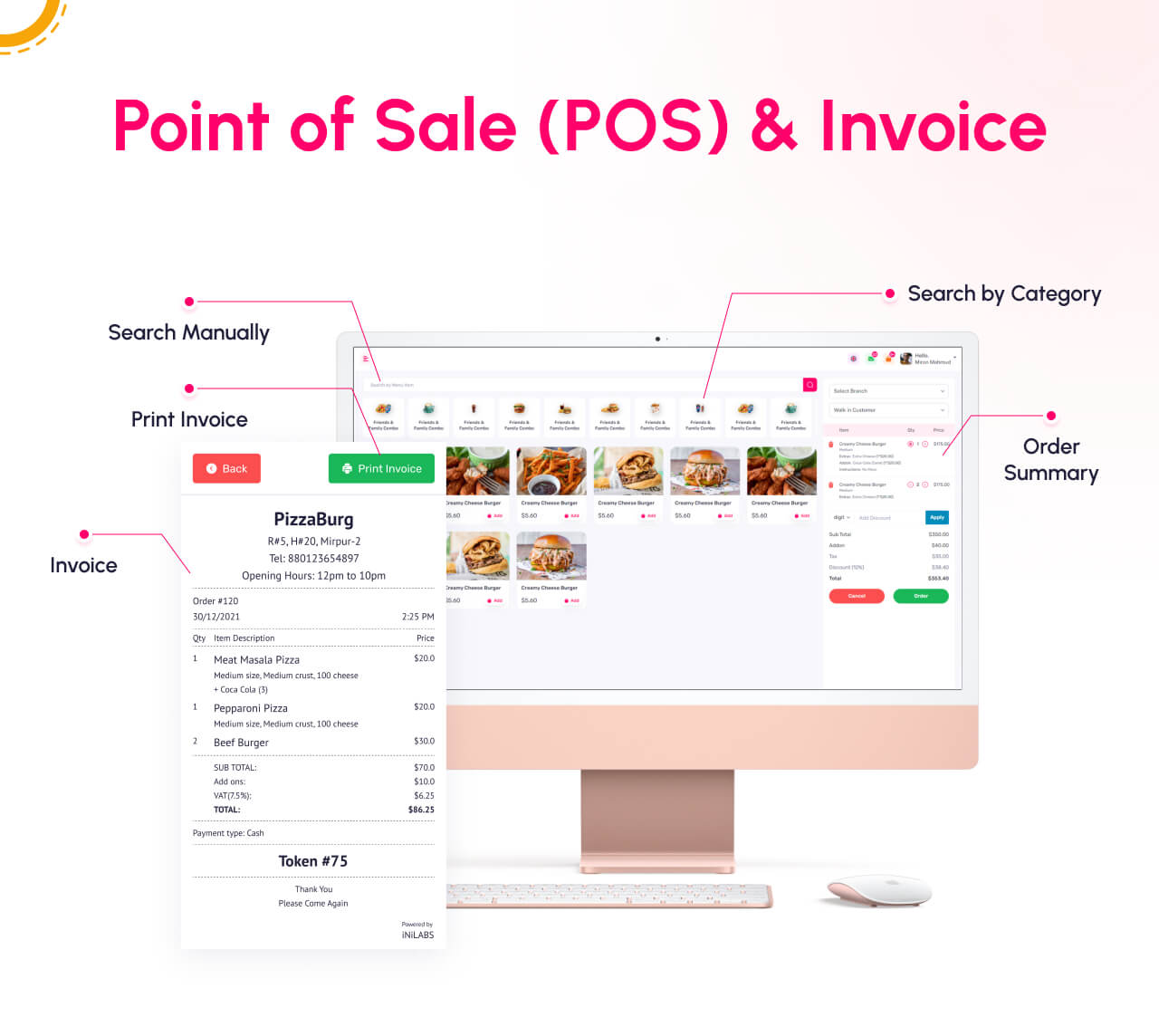
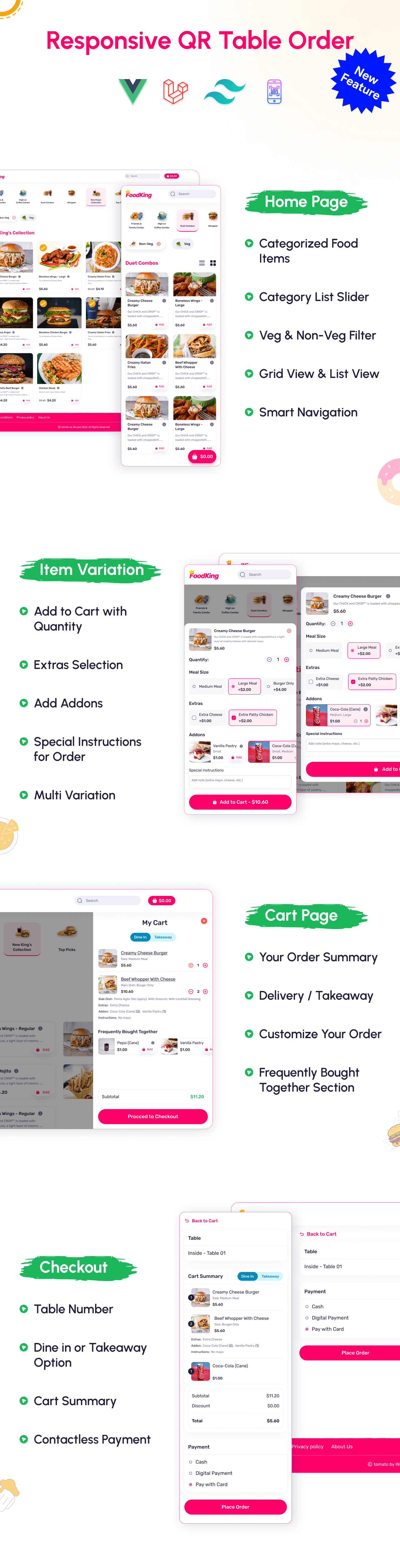
With FoodKing, customers can place orders easily via web or app, restaurants manage menus and orders in real-time, delivery staff receive optimized routes and notifications, and admins monitor every aspect of the business — from sales analytics to delivery performance. The built-in Point of Sale (POS) supports table orders, dine-in, takeaway, QR ordering, kitchen coordination, and printed/thermal receipts, making it perfect for both offline and online operations.
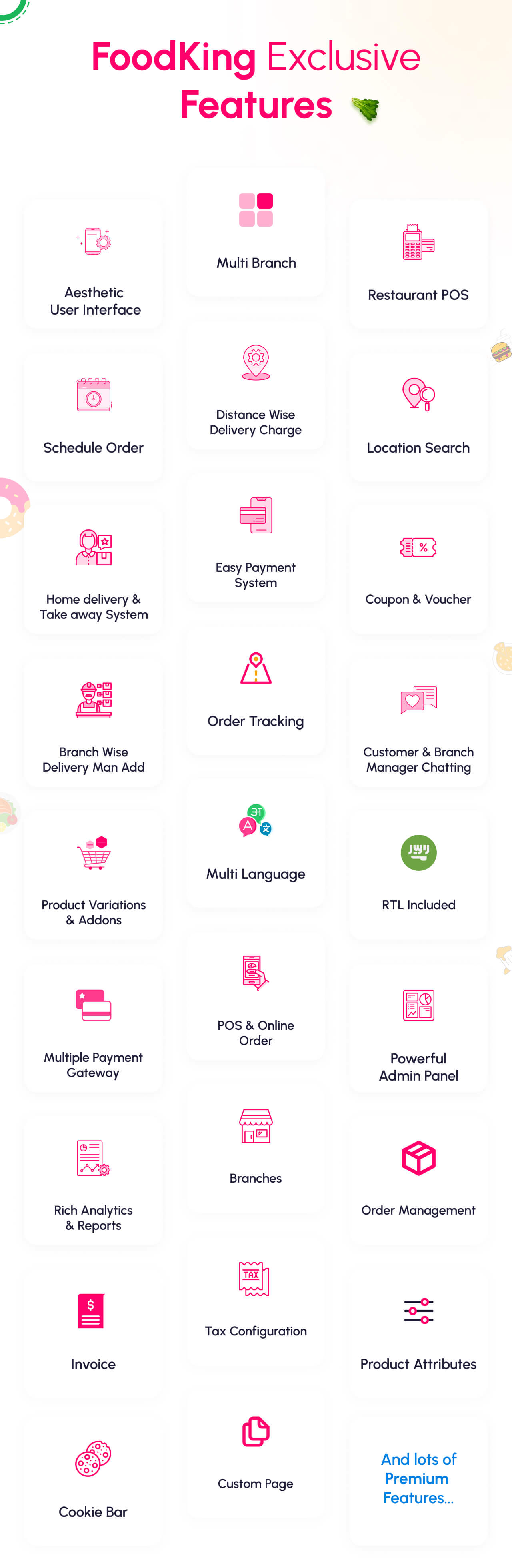
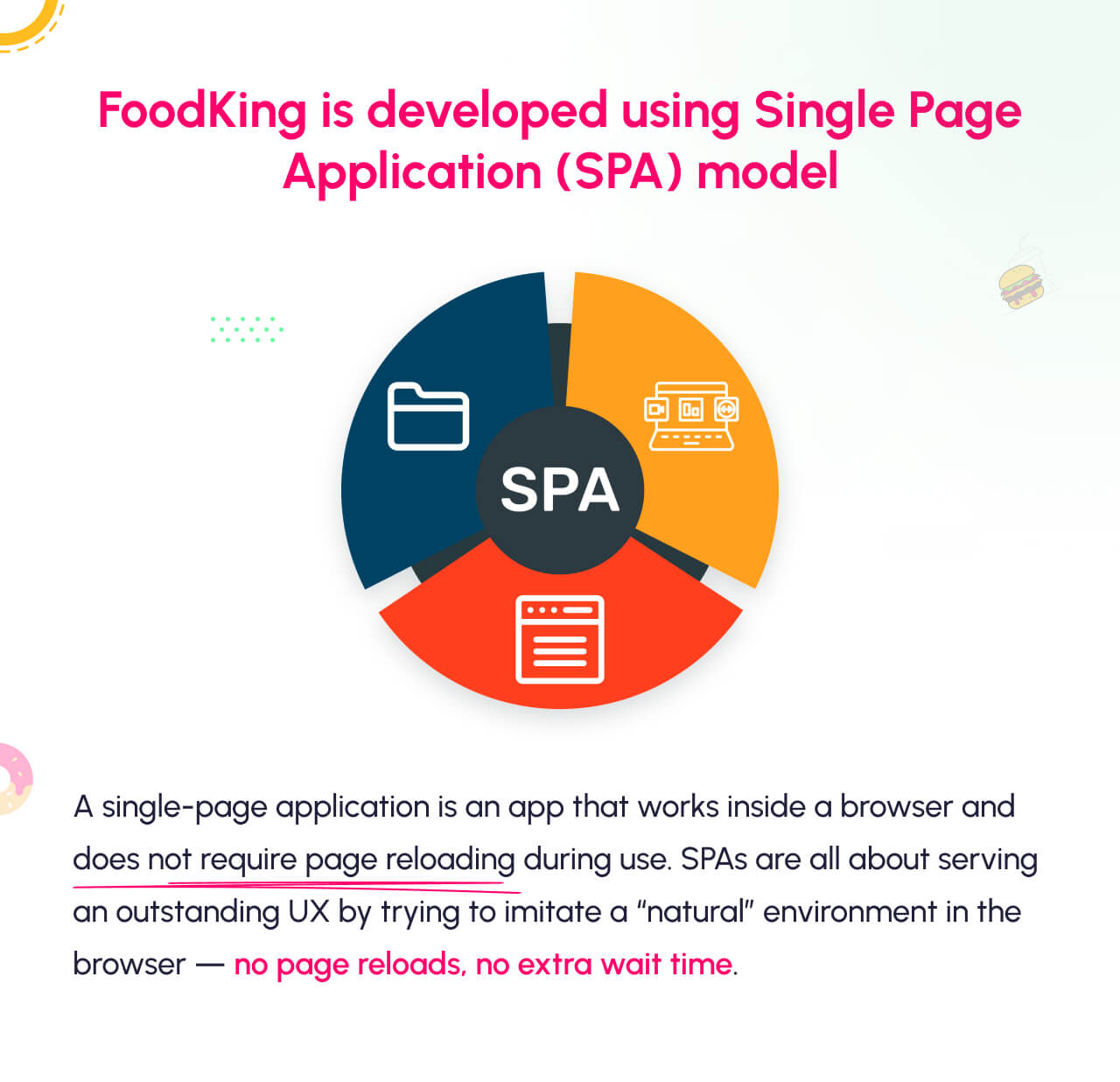
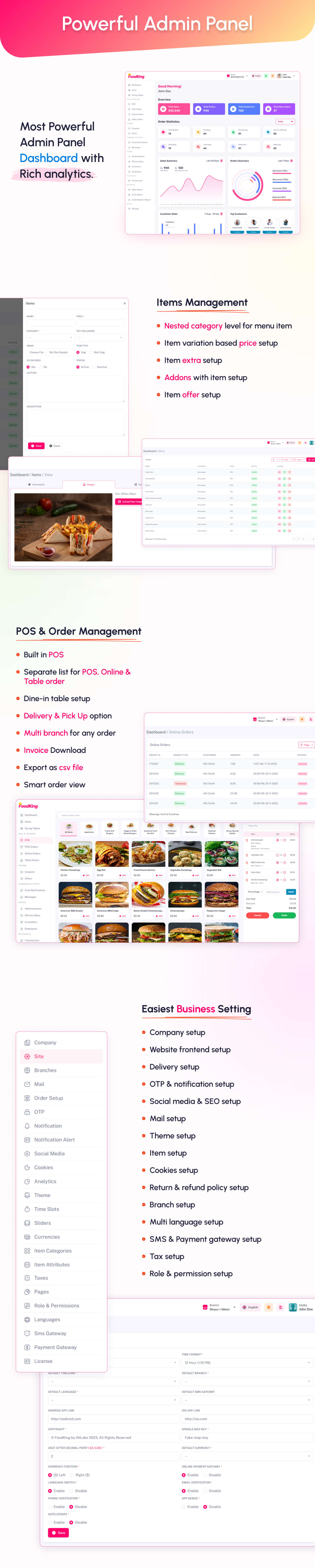
FoodKing is a cutting-edge food delivery app and restaurant management system designed to support both single and multi-branch restaurants. It comes with a robust POS system, complemented by user-friendly applications, including an app for customers, a website, and an app for delivery personnel. The system boasts a feature-rich admin panel developed with Laravel Framework and Vue, empowering you to efficiently and intelligently manage every aspect of your restaurant operations. Experience accelerated growth and seamless management with FoodKing’s powerful tools at your disposal.




Demo Credentials
Web & App Login Credentials
Admin
email: admin@example.com
password: 123456
Customer
email: customer@example.com
password: 123456
Delivery Man
email: deliveryboy@example.com
password: 123456
Branch Manager
email: branchmanager@example.com
password: 123456
Pos Operator
email: posoperator@example.com
password: 123456
Customer User Journey
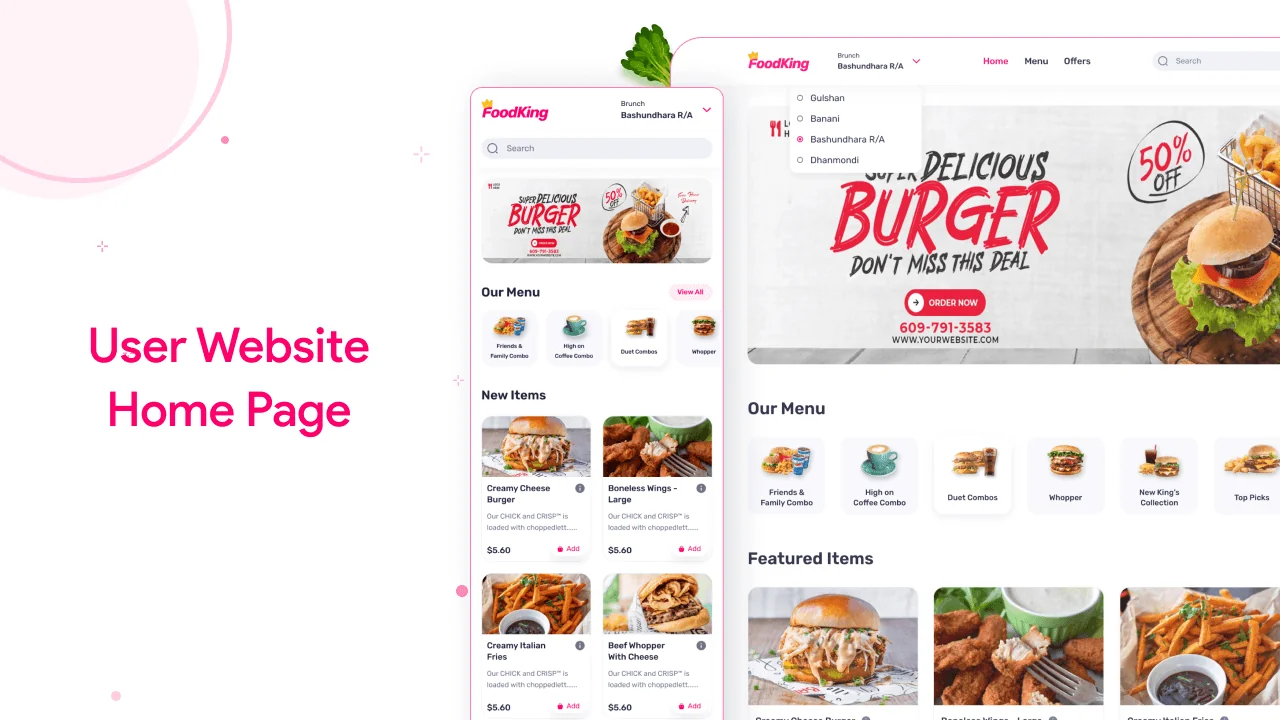
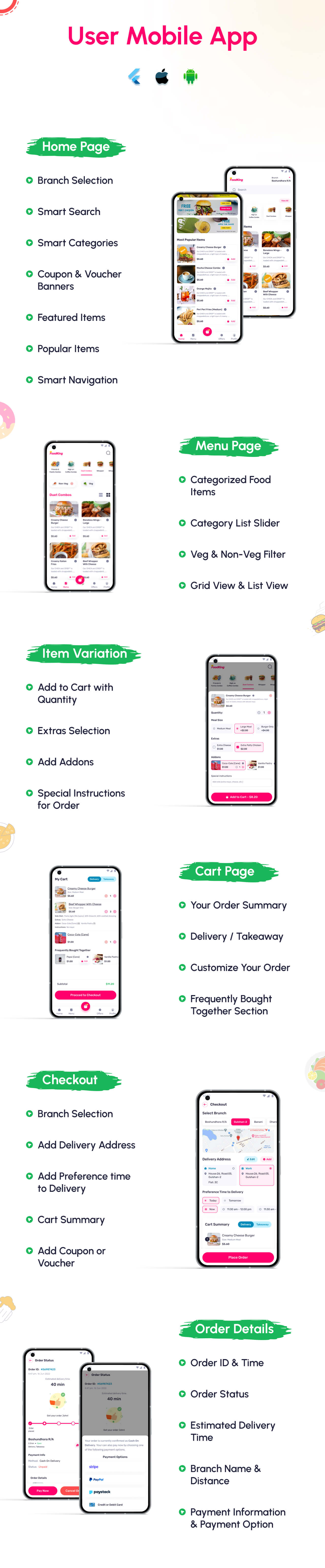
- Users can see the home page. Now he can set the current location and allow the location access. Here have the variant types of food, offer, and 2 types of foods. like non-veg and veg.
- The user can log in to the system with his email and password. otherwise, he can signup for this with some information.
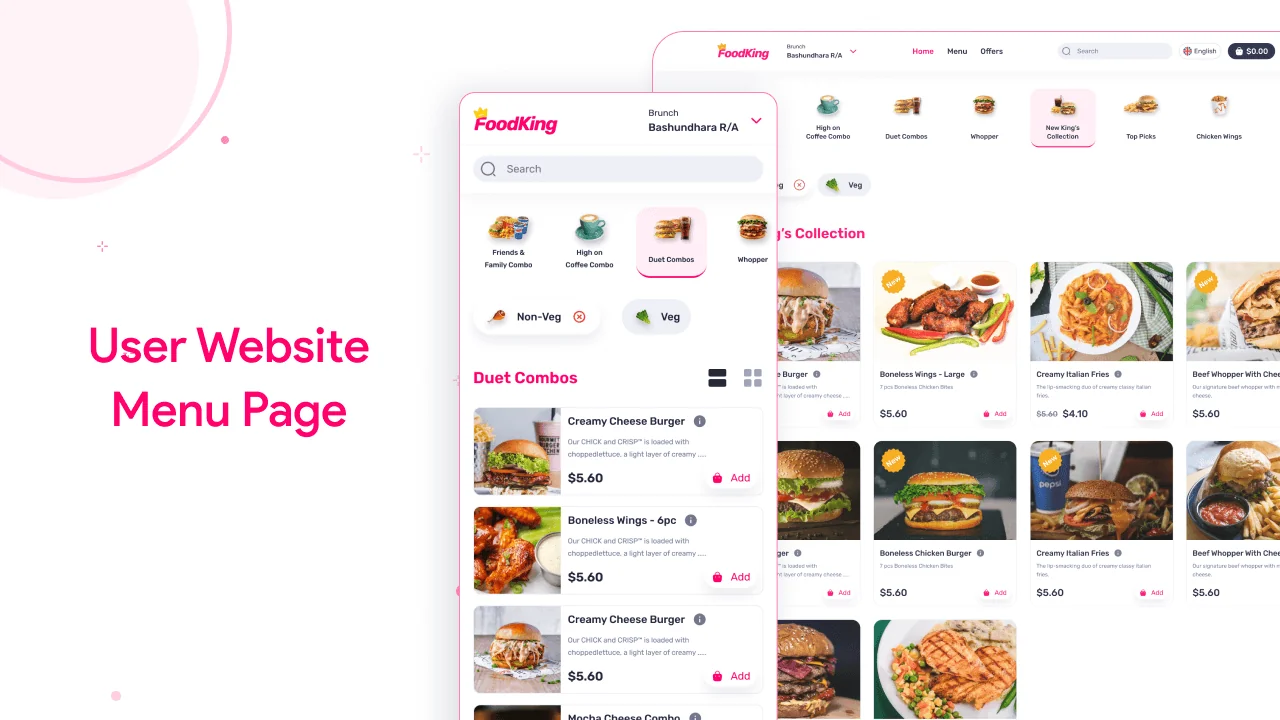
- Easily customers can filter the product by category-wise list and grid view also.
- When customers click on a product there have possible many options like product variation, extra, and some addons also. They can easily manage the product quantity and add it to the card.
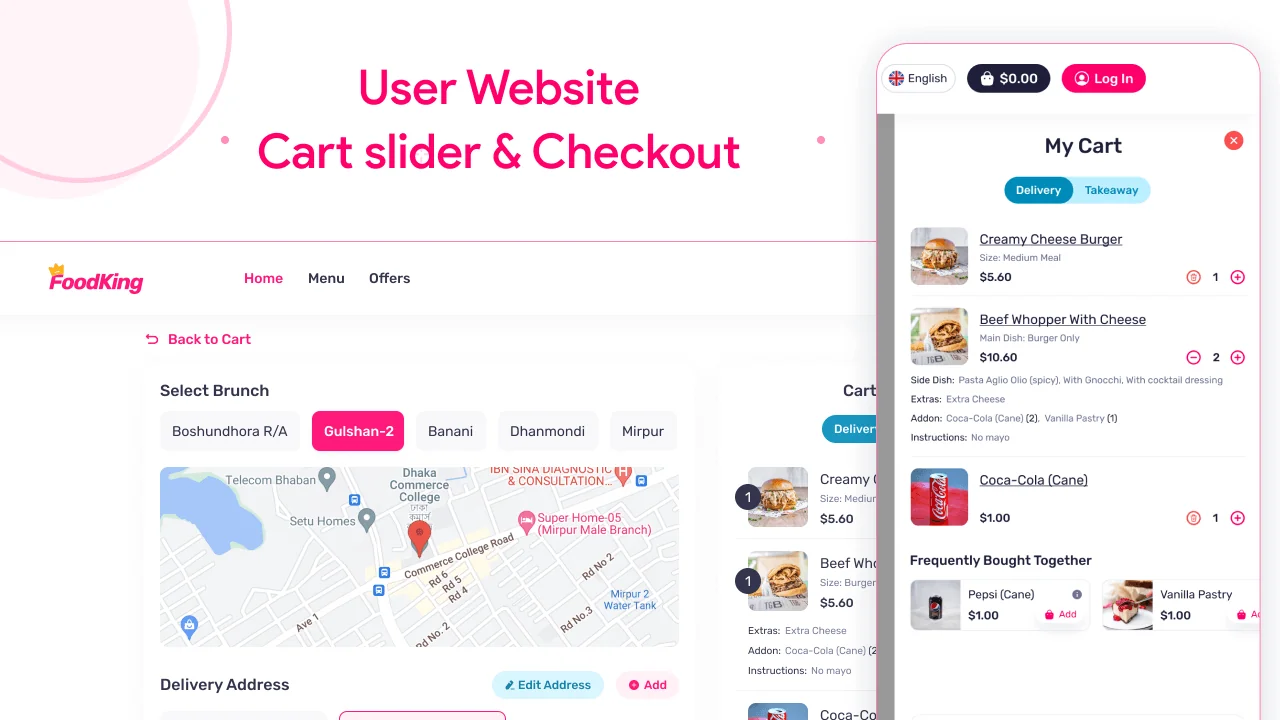
- If the customer clicks the “process to checkout” button he could see the checkout page. if the customer did not have a login then it will redirect to the login page and after login, signup, or guest login then he can see the checkout page.
- The checkout page has many functions. first of all, the customer can select the can take away for the order or deliver the product. now select the nearest branch. then select his delivery address. if the delivery address is not available then create an address first. now select which time he can get the order and select the payment gateway like cash on delivery and other card payment options. if you have a coupon the customer can use the coupon for the discount. now click the place order button.
- Now the customer can see his order details with the current status for this order on the order summary page.
- There has the option to see the previous order. then go to the user dropdown option then see my order link then click my order link the customer can see the previous order.
- There has a chat option. where customers can easily contact the branch manager by chat. go to the chat menu from the user dropdown and select a branch and start a chat.
- Customer can manage their address from the user dropdown menu and click add a new address and fill up all information with select the map location also.
- If the customer can edit their profile then go to the user dropdown page and click edit profile. now he can change his phone number, email, etc.
Frontend Features
- Home Page
- Allow location
- Branch switch
- Language switch
- Search item
- Menu-wise item search (Category)
- Veg/Non-veg wise item search
- Newsletter subscription
- Footer section
- Menu page
- Menu-wise item search (gird and list view)
- Variation page
- Show variation (single and multi-variation)
- Add to cart
- Cart page
- Set all product lists with variation and addon also
- Checkout page
- Get branch select option
- Add delivery address system
- Delivery time add
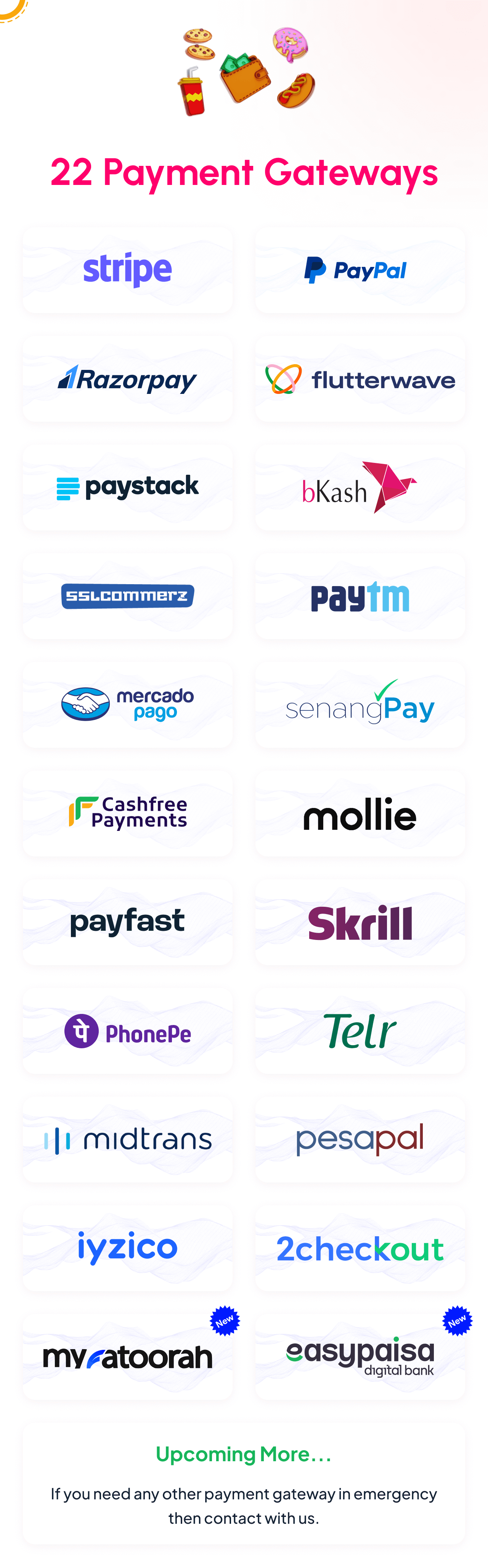
- Add Payment gateway
- PayPal
- Stripe
- RazorPay
- FlutterWave
- PayStack
- Bkash
- Sslcommerz
- PayTm
- MercadoPago
- SenangPay
- Cashfree Payments
- Mollie
- Item list also
- Add coupon system
- My orders
- Set my order list (active & previous order)
- Order view (active & previous order, Cancel order also)
- Auth
- Login with guest login
- Register
- Forget password
- Profile
- Address CRUD
- Profile edit
- Change password
- Messing system
- Other page
- Contact us
- About us
- Terms & conditions
- Privacy
Backend Features
- Dashboard
- Items
- Item info
- Item variations
- Item extras
- Item addons
- POS
- Live orders
- Orders
- Order info
- Invoice
- User details
- Coupons
- Offer/Promos
- Review (remove)
- Push notification
- Messing
- Users
- Admins
- Profile
- Security (change password)
- Location
- orders
- Delivery Boy
- Profile
- Security (change Password)
- Location
- Orders
- Customer
- Profile
- Security (change password)
- Location
- Orders
- Accounts
- Transactions
- Reports
- Sales
- Item (which item is a high-selling item)
- Credit Balance (user wallet balance)
- Settings
- Company
- Site
- Logo & icons
- Branches
- Mail
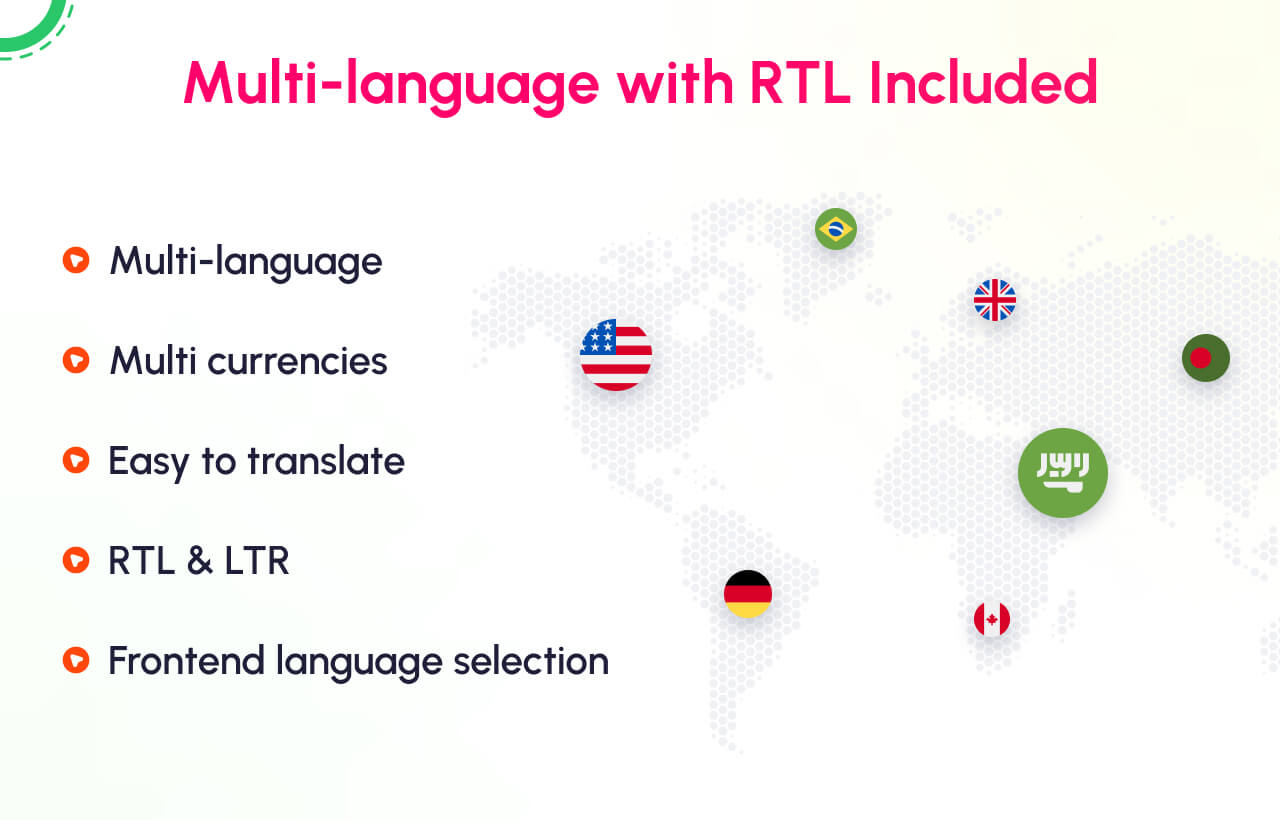
- Currencies
- Taxes
- Item Categories
- Item Attributes
- Sliders
- Pages
- Languages
- SMS
- Notifications
- Socials (optional)
- OTP
- Analytics
- Cookies
- Payment Gateways
- Role & Permissions
- App
- License Code
- Addons
- Update