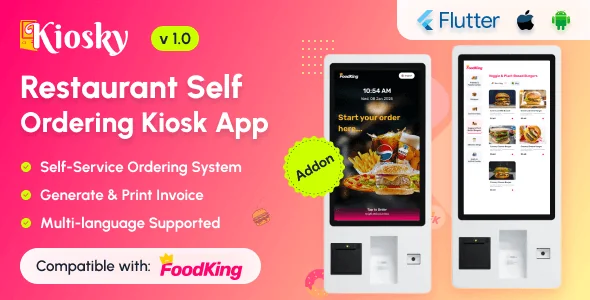
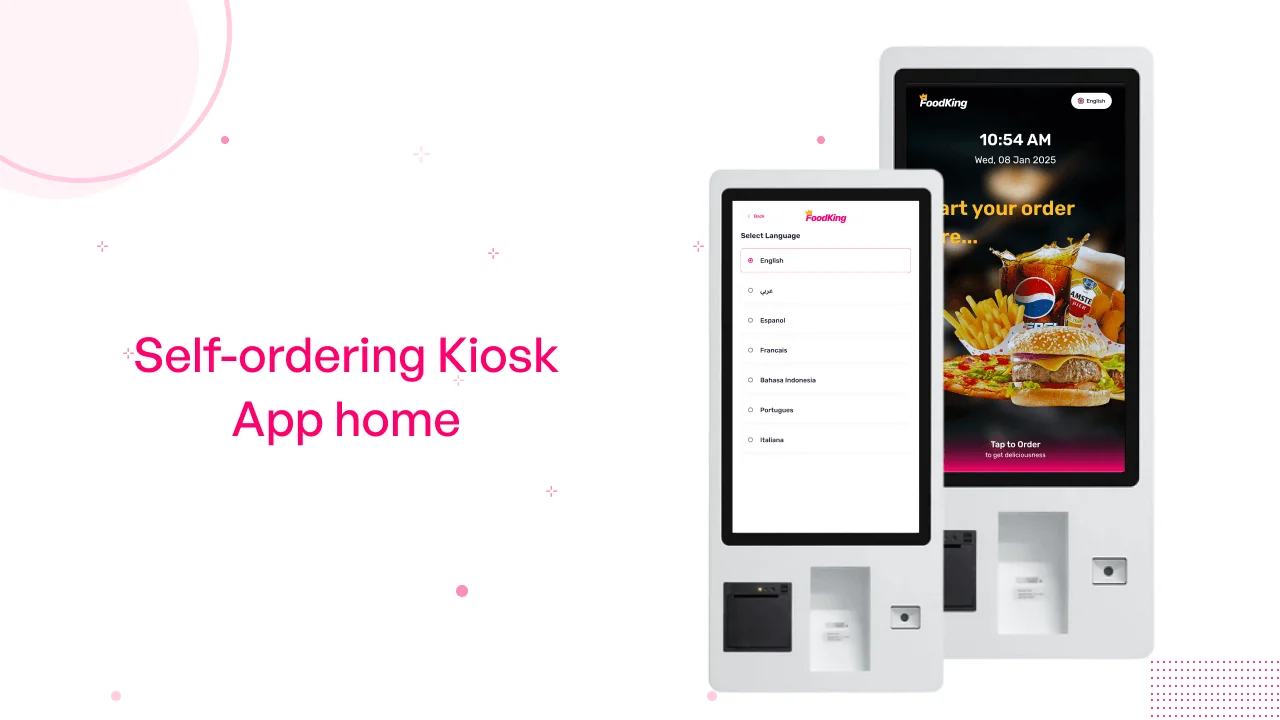
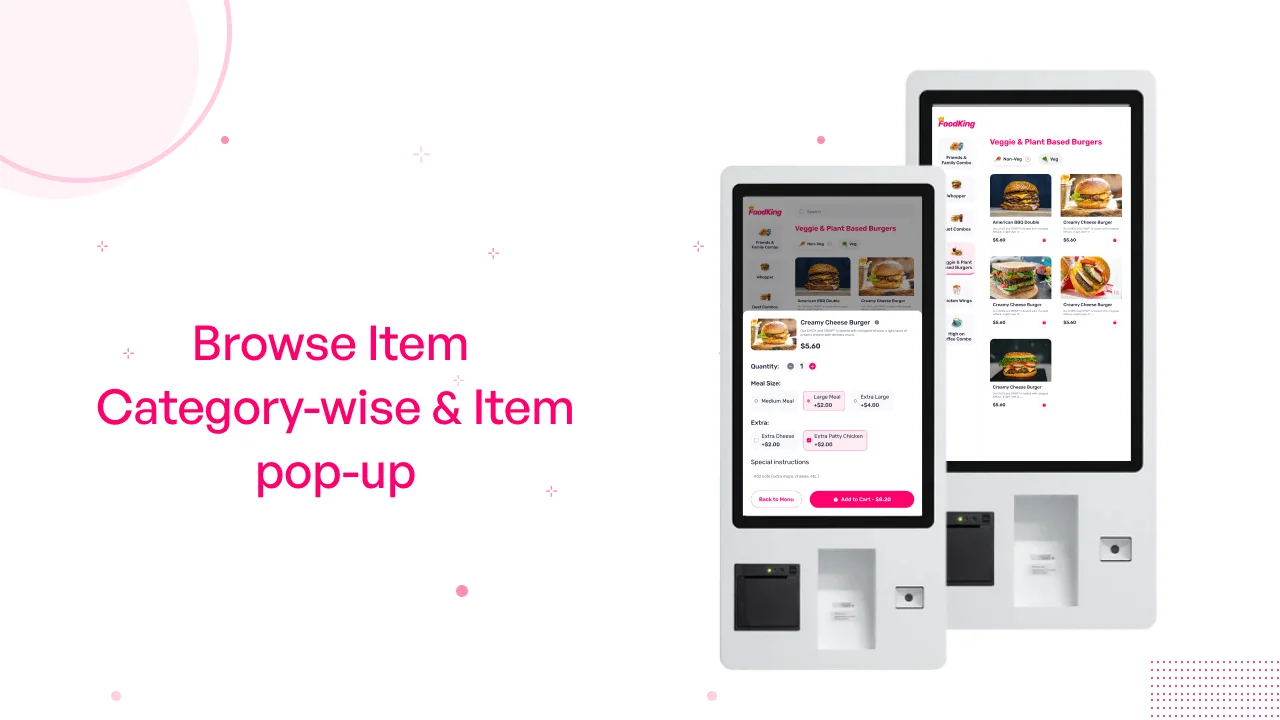
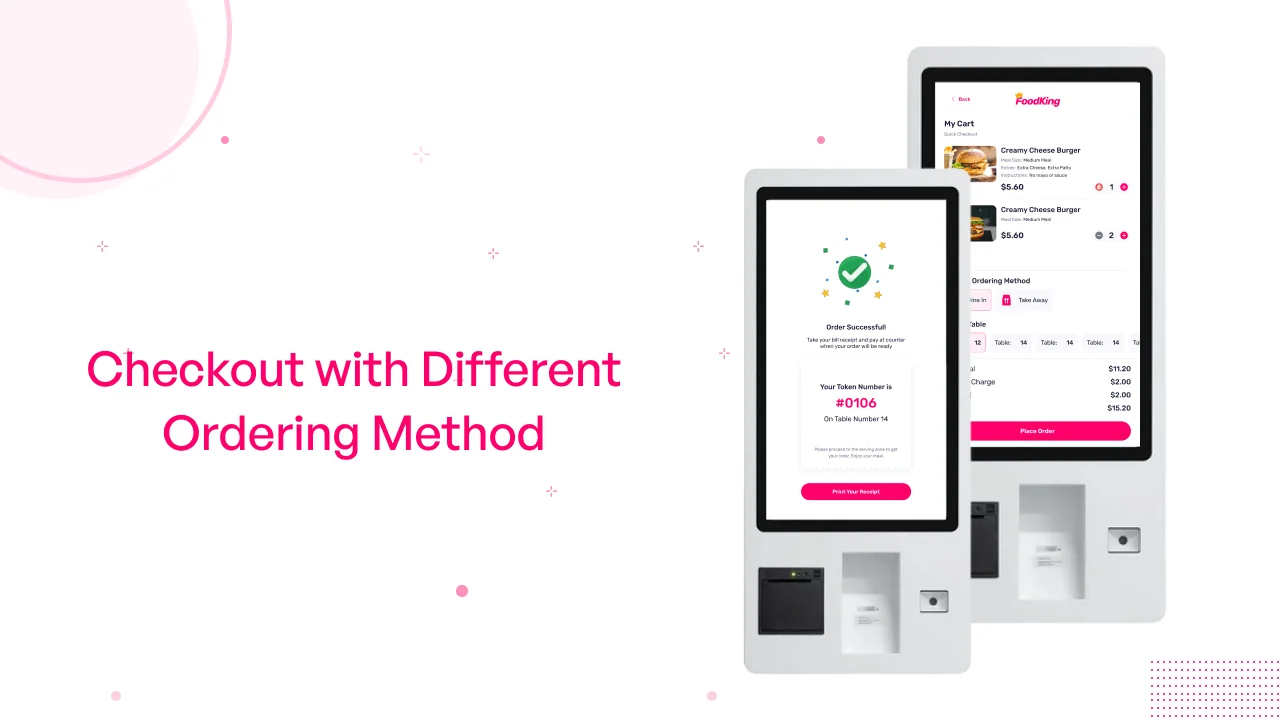
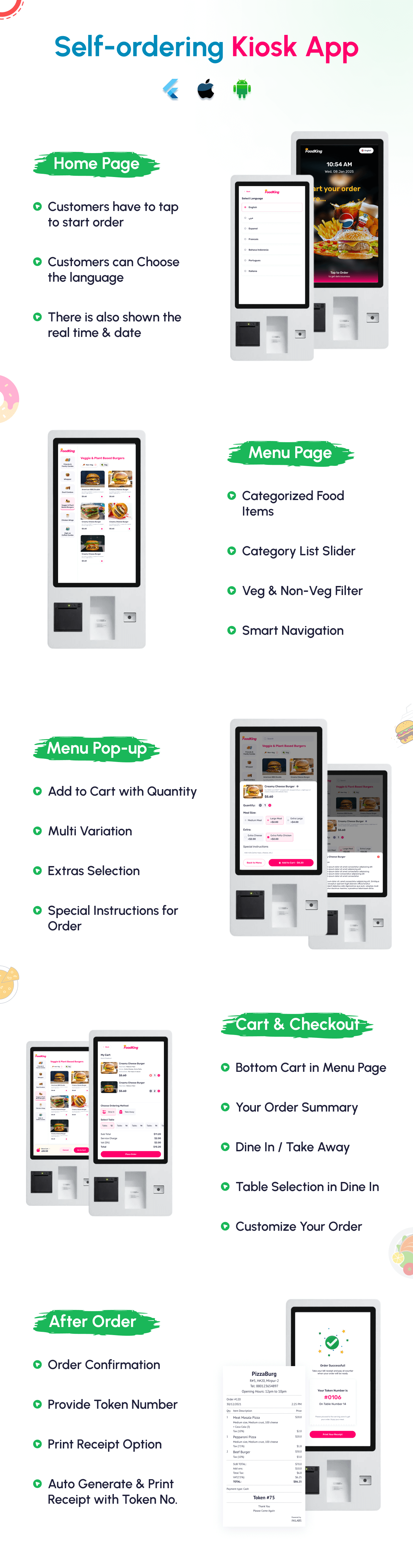
Kiosky is a powerful, easy-to-integrate self-ordering kiosk app designed to transform how restaurants and quick-service outlets take orders. With Kiosky, customers place their orders on a touchscreen kiosk — from browsing the full menu, customizing dishes, adding sides or drinks, to paying — without cashier intervention. For restaurant owners and operators (like FoodKing), Kiosky streamlines order flow, reduces labor dependency, accelerates service, and boosts average order values.
Kiosky – Restaurant Self-Ordering Kiosk App
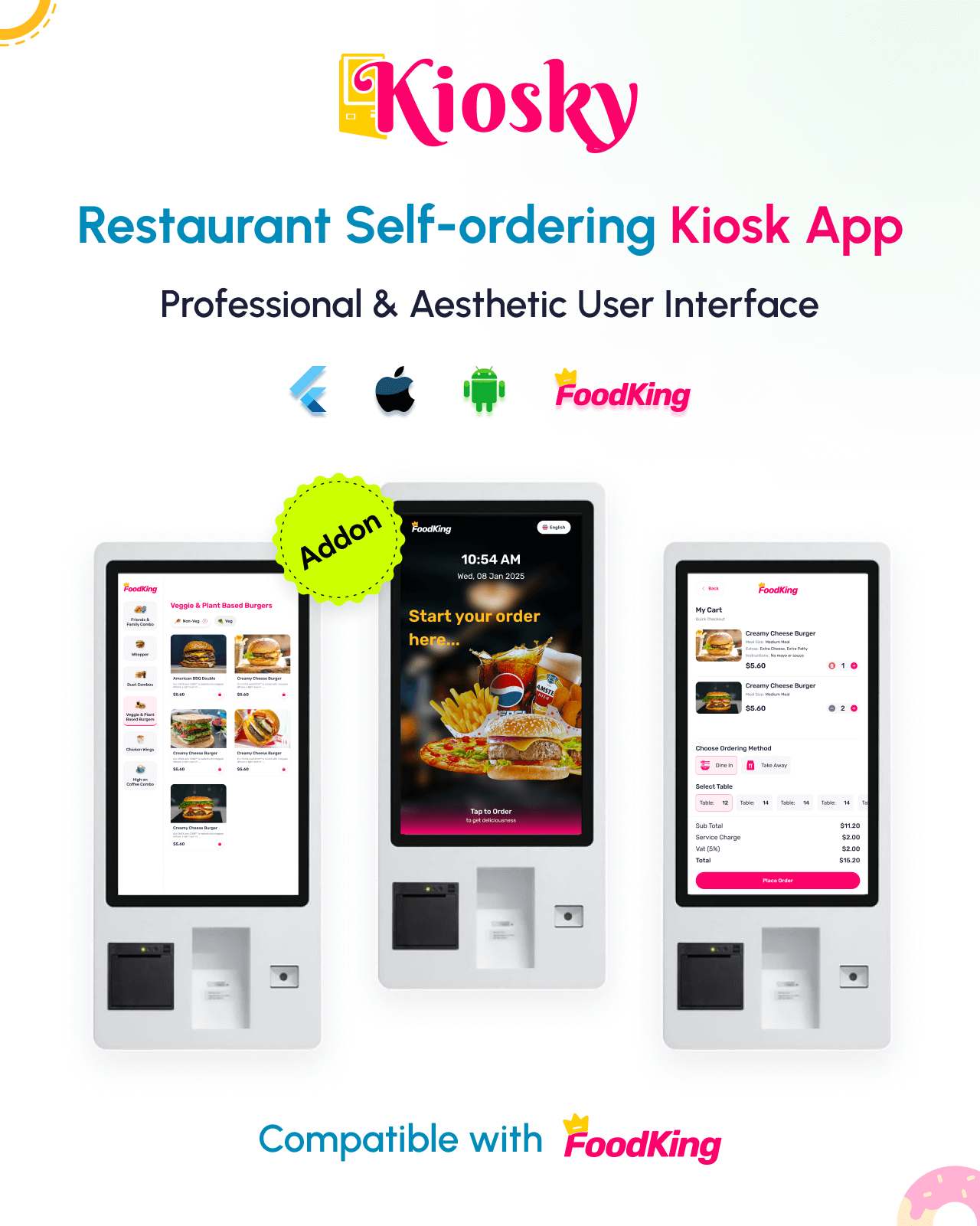
Kiosky is an essential part of the FoodKing Restaurant Ordering Ecosystem, designed to streamline contactless self-ordering and improve order management in fast-paced restaurant environments. With Kiosky, customers can easily browse the digital menu, customize their meals, and complete orders from a user-friendly touchscreen interface—minimizing staff involvement and reducing wait times.
Whether you’re running a quick-service restaurant, food court, or self-service café, Kiosky helps increase efficiency, reduce labor costs, and offer a modern, engaging customer experience.
Key Features:
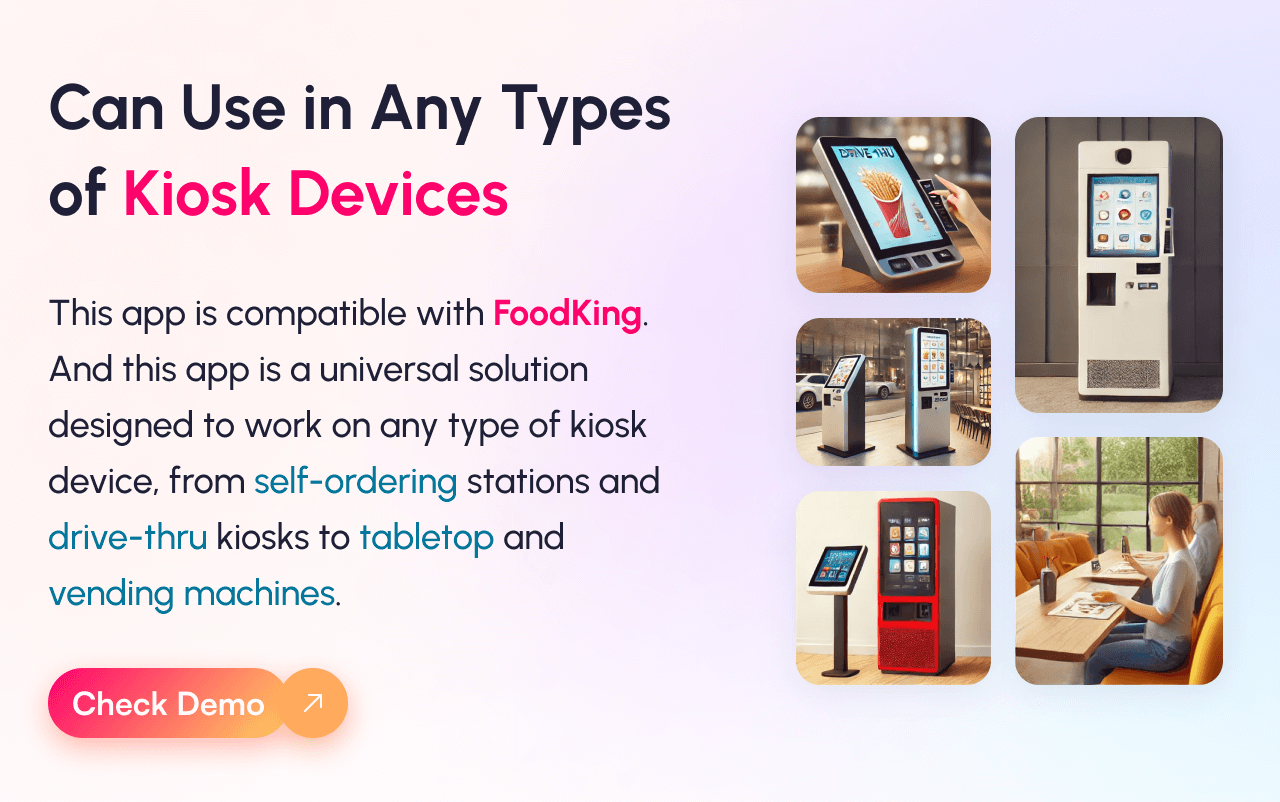
Part of the FoodKing Ecosystem: Seamlessly integrates with the FoodKing POS, kitchen display (KDS), waiter app, and online ordering modules.
Touchscreen-Optimized Interface: Designed for kiosk devices with a simple, clean, and fast UI for quick self-ordering.
Contactless Ordering: Reduces the need for human interaction, supporting a safer and more hygienic dining experience.
Menu Selection: Allows customers to modify meals, choose add-ons, and apply dietary preferences before checkout.
Multiple Payment Options: Accepts UPI, card, wallet, and cash-on-delivery options depending on restaurant setup.
Order Sync with Kitchen Display: Orders placed from the kiosk are instantly reflected in the Kitchen Display System (KDS) and POS for faster fulfillment.
Dine-in, Takeaway & Delivery Modes: Customers can choose how they want to receive their order directly from the kiosk.
Smart Upselling: Highlights combo offers, bestsellers, or add-ons during checkout to boost average order value.
Multilingual Support: Makes the app accessible for customers speaking different languages.


Demo Credentials
Web & App Login Credentials
Credentials
email: mirpur1
password: 123456
Last update:
Jan 22, 2026 06:06 AM
Version:
Category:
Software Version:
Tags:
Published:
Dec 01, 2025 08:39 PM